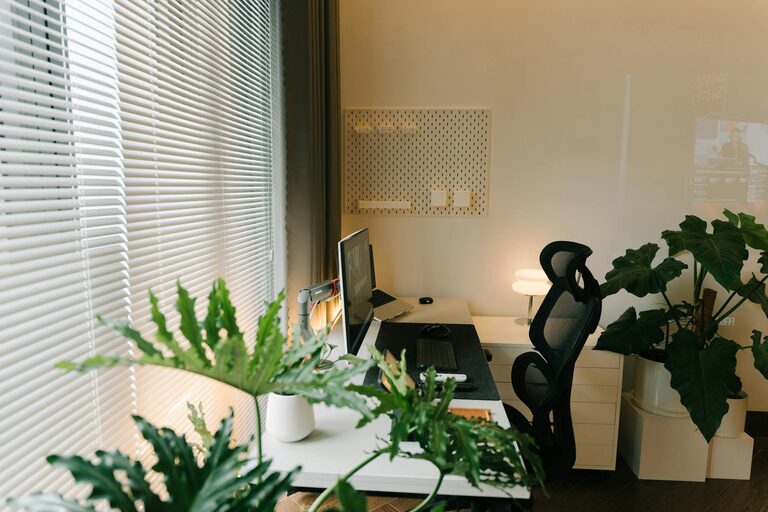
Creating a comfortable and productive home office space is essential for anyone working remotely or spending extended hours at home. A well-designed workspace can improve focus, reduce stress, and make your workday more enjoyable. Whether you have a dedicated room or just a small corner, this guide shares helpful tips to transform your area into an ideal home office.
Choose the Right Location
Selecting the best spot for your home office is the first step. Ideally, look for a quiet area with minimal distractions. If possible, use a room with a door so you can close off noise and interruptions.
Consider Natural Light
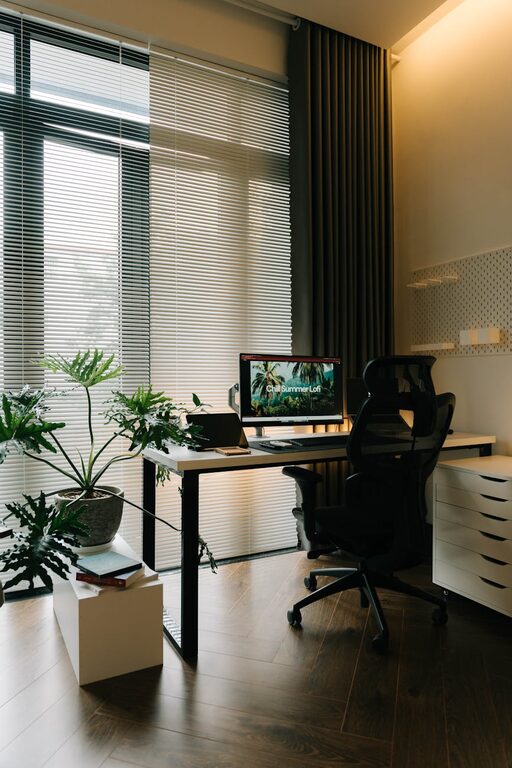
Natural light can have a big impact on your mood and productivity. Position your desk near a window to benefit from daylight, but avoid glare by placing screens perpendicular to the window. If natural light is limited, invest in good quality artificial lighting to brighten your space.
Invest in Ergonomic Furniture
Comfort is key in a home office. Ergonomic furniture supports your body and reduces strain during long work hours.
– Chair: Choose a chair with adjustable height, lumbar support, and comfortable cushioning.
– Desk: Use a desk at the right height to avoid slouching. If you spend much time standing, consider a sit-stand desk for flexibility.
– Accessories: Add ergonomic keyboard and mouse to prevent wrist strain.
Organize Your Workspace
A clutter-free workspace helps maintain focus and efficiency. Use storage solutions to keep essentials within reach but out of sight.
– Use shelves, filing cabinets, or drawers for documents and supplies.
– Utilize desk organizers for pens, notepads, and gadgets.
– Keep cables tidy with clips or sleeves to prevent tangles.
Create a Pleasant Atmosphere
Your office environment affects your mindset. Make it a space where you enjoy spending time.
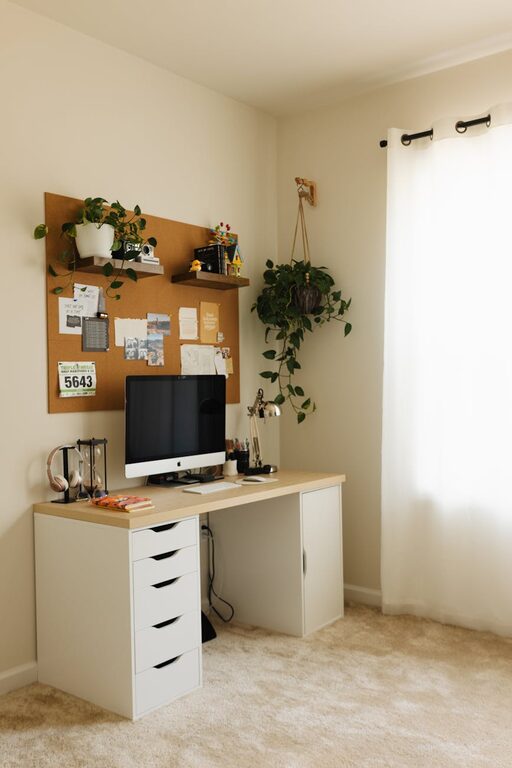
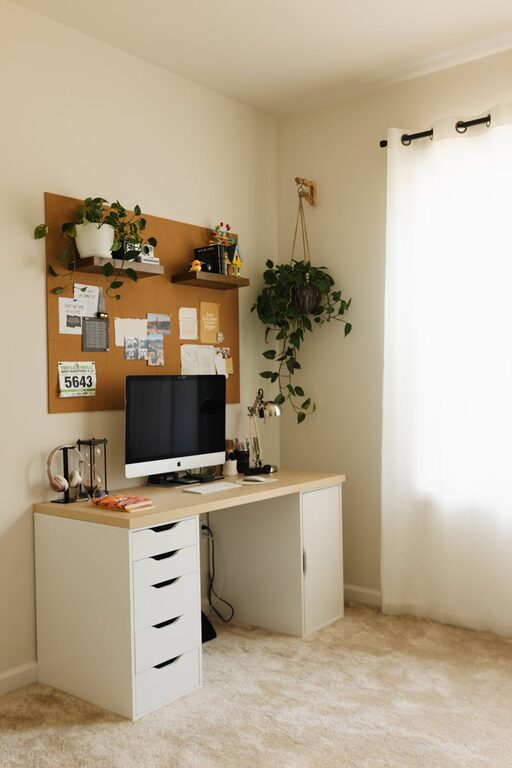
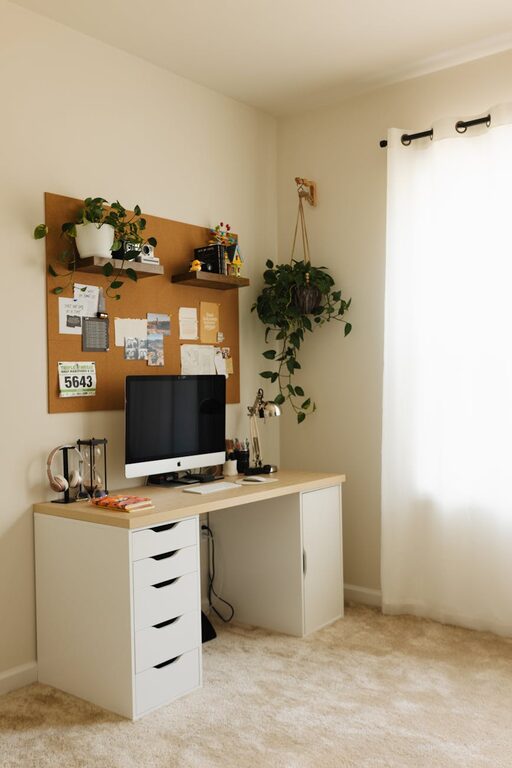
– Add plants for fresh air and a touch of nature.
– Decorate with inspiring artwork or meaningful objects.
– Choose calming colors like soft blues or greens for walls and decor to reduce stress.
Manage Noise Levels
Distractions can hinder productivity. Find ways to minimize noise.
– Use noise-canceling headphones if you can’t control environmental sounds.
– Add soft furnishings like rugs or curtains to absorb sound.
– If needed, use white noise machines or apps to mask distractions.
Set Boundaries
Clearly define work hours and communicate them to family or housemates to avoid interruptions. Creating physical and mental boundaries helps you switch between work and relaxation.
Keep Technology Up to Date
A reliable setup is crucial.
– Ensure your internet connection is strong to avoid disruptions.
– Use up-to-date software and hardware that meet your work needs.
– Have chargers and backup devices ready in case of technical issues.
Personalize Your Space
While keeping it professional, personalize your office to make it inviting and motivating.
– Display photos that bring you joy.
– Use scented candles or diffusers with subtle fragrances.
– Choose comfortable clothing that makes you feel confident.
Take Regular Breaks
Even the best workspace won’t help without proper habits.
– Use a timer or app to remind you to stand, stretch, or move every hour.
– Step outside or change your scenery during breaks to refresh your mind.
Conclusion
Designing a comfortable and productive home office doesn’t require a large budget or space. By focusing on the right location, ergonomic furniture, good organization, and a pleasant atmosphere, you can create a workspace that supports your best work. Remember to personalize your area and take care of your well-being while working from home. These small improvements can make a big difference in your daily routine.
With these tips, you’re ready to set up a home office that helps you stay comfortable, focused, and productive. Happy working!