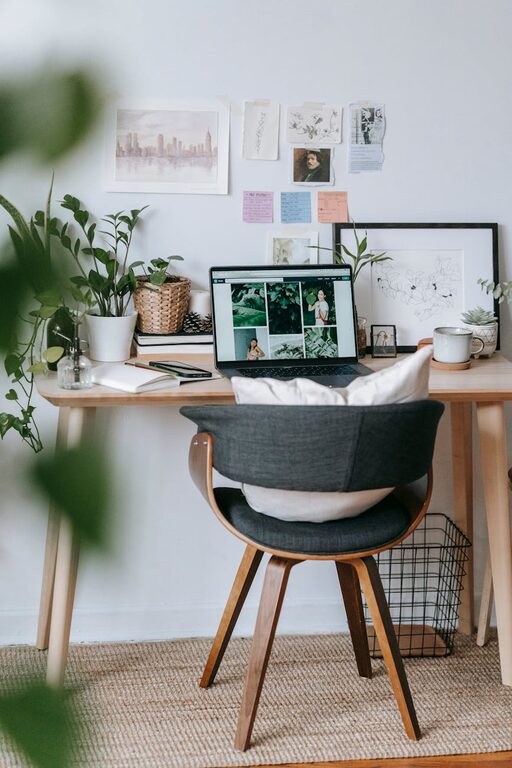
Creating a relaxing home office environment is essential for maintaining focus, reducing stress, and improving overall productivity. Whether you are working remotely full-time or just occasionally, your workspace can have a significant impact on your mood and efficiency. In this post, we’ll explore practical tips to help you design a calming home office that feels both functional and inviting.
Why a Relaxing Home Office Matters
A well-designed workspace goes beyond aesthetics. It influences how you feel throughout the day and can directly affect your motivation and creativity. By incorporating elements that promote relaxation, you create a space where work feels less like a chore and more like a positive experience.
Choosing the Right Location
Find a Quiet Spot
If possible, select a room or corner in your home that is away from noise and high traffic areas. Noise can be distracting, and constant interruptions make it difficult to concentrate.
Maximize Natural Light
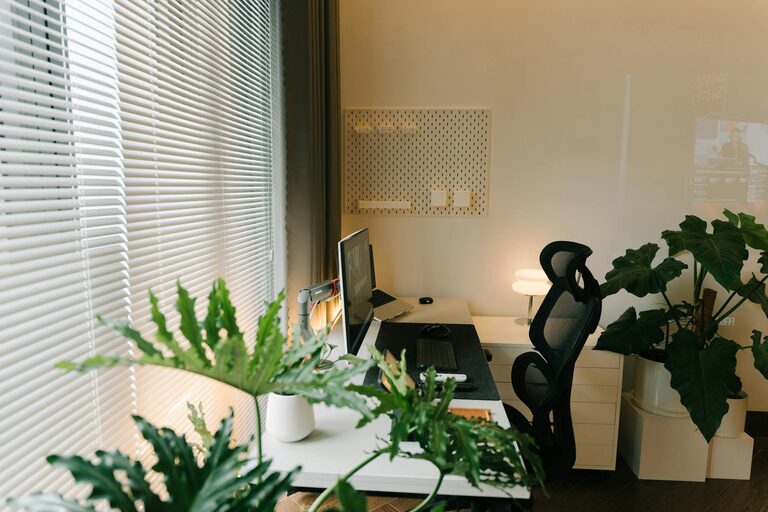
Natural light helps improve mood and energy levels. Position your desk near a window to take advantage of daylight. If natural light is limited, use soft, warm artificial lighting instead of harsh overhead lights.
Optimize Your Desk Setup
Invest in Comfortable Furniture
Choose an ergonomic chair that supports your back and encourages good posture. Your desk height should allow your forearms to rest parallel to the floor. Comfort reduces physical strain and allows you to focus longer.
Keep Your Desk Clutter-Free
A tidy desk creates a calmer mind. Use organizers, trays, or drawers to store supplies and papers out of sight. Only keep items you use daily within arm’s reach.
Incorporate Soothing Colors and Decor
Select Relaxing Colors
Soft shades like light blues, greens, or neutrals create a serene atmosphere. Avoid overly bright or intense colors that may cause distraction or agitation.
Add Personal Touches
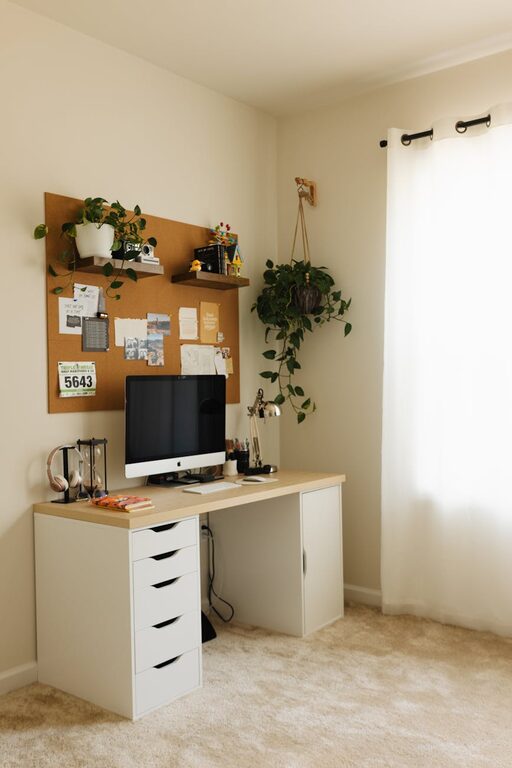
Include items that bring you joy or inspiration, such as plants, artwork, or family photos. Greenery especially can improve air quality and add a natural calming effect.
Manage Noise and Distractions
Use Noise-Canceling Headphones
If your home is noisy, noise-canceling headphones can help you stay focused. They also allow you to listen to calming music or white noise without disturbing others.
Set Boundaries
Communicate your work hours to family or housemates to minimize interruptions. Consider using a “do not disturb” sign or closing your door when you need uninterrupted time.
Enhance Air Quality and Comfort
Keep Fresh Air Flowing
Good ventilation is key to staying alert. Open a window if possible or use an air purifier to reduce allergens and improve air quality.
Control Temperature
Adjust your heating or cooling to a comfortable level. A room that is too hot or cold can become distracting and reduce productivity.
Establish a Routine and Breaks
Create a Start-of-Day Ritual
Begin your workday with a calming activity, such as stretching, meditation, or enjoying a cup of tea. This sets a positive tone for the hours ahead.
Take Regular Breaks
Step away from your desk every hour to stretch, walk, or breathe deeply. Short breaks prevent fatigue and help maintain focus throughout the day.
Technology Tips for a Calm Workspace
Manage Screen Time
Reduce eye strain by taking advantage of screen filters or the “night mode” feature on devices. Adjust screen brightness to match your environment.
Limit Notifications
Turn off non-essential notifications to avoid constant interruptions. Schedule specific times to check emails and messages.
Stay Organized with Planning Tools
Using planners, calendars, or digital apps helps keep tasks in order. Knowing what to prioritize reduces stress and allows for a smoother workflow.
—
Creating a relaxing home office environment takes intentional planning, but the results are worth it. By focusing on comfort, light, color, noise control, and organization, you can transform your workspace into a peaceful haven that supports your best work. Start making small changes today and enjoy a more productive and enjoyable workday.